Posted on May 05, 2026 by Fusion Connect
Most businesses want the same thing from collaboration: it should feel simple.
Users want to click and work.
IT wants it to be secure, governable, and supportable.
Security wants to reduce risk without becoming the villain of every workflow.
The friction usually happens when these goals are treated as competing priorities instead of connected ones.
Secure collaboration is not “turn on more controls.” It’s align the controls you have with how people actually work, so security is present but not constantly in the way.
Here’s how to think about it across three layers:
identity, device, and network.
Identity is your real perimeter (and it’s where most wins live)
If you had to pick one place to start, start with identity. Because most “collaboration incidents” begin with compromised access—phishing, password reuse, token theft—not someone bypassing your firewall like it’s a movie.
A strong baseline usually includes:
- consistent MFA policy
- conditional access patterns that match risk (not just blanket restrictions)
- admin access protections that don’t rely on “we’re careful”
- clear ownership of how access is granted, changed, and removed
The goal is to make it harder for compromised credentials to become compromised environments.
Devices matter because identity is not enough
If identity is the gate, devices are the baggage check.
In modern collaboration, people access Teams and Microsoft 365 from:
- managed laptops
- personal phones
- shared devices
- conference rooms
- home networks
- guest Wi-Fi
Security controls work best when device posture is part of the equation: is the device compliant, patched, encrypted, and governed?
This is where licensing can quietly matter. Many organizations already own device and security capabilities in their Microsoft licensing mix—but haven’t operationalized them. And “owned” isn’t the same as “in effect.”
Network controls should reduce risk and reduce noise
The network is still relevant—not because it’s the primary perimeter, but because it can control blast radius and improve consistency.
Practical network moves that help secure collaboration without hurting productivity:
- segmentation (guest vs corporate, IoT vs user devices)
- managed Wi-Fi design so voice/video doesn’t degrade at peak
- policy-based controls that keep sensitive systems off the same lanes as everything else
- visibility and monitoring so issues are seen before users start escalating
Collaboration reliability lives or dies in the network layer—especially Wi-Fi and site segmentation. Which makes sense- a lot of “Teams is unreliable” complaints are actually network design issues—especially at busy sites with unmanaged Wi-Fi and no traffic prioritization.
Fusion Connect’s Managed Network Services are built for consistent performance, monitoring, and operational clarity across locations.
The real goal: secure by default, flexible by exception
A secure collaboration model should be opinionated:
- default policies that cover the majority of users safely
- clear exceptions for legitimate use cases (executives traveling, contractors, frontline devices)
- documentation so exceptions don’t become permanent loopholes
When this is done well, users don’t feel security. They feel consistency.
Full-stack tie-in secure by default, flexible by exception
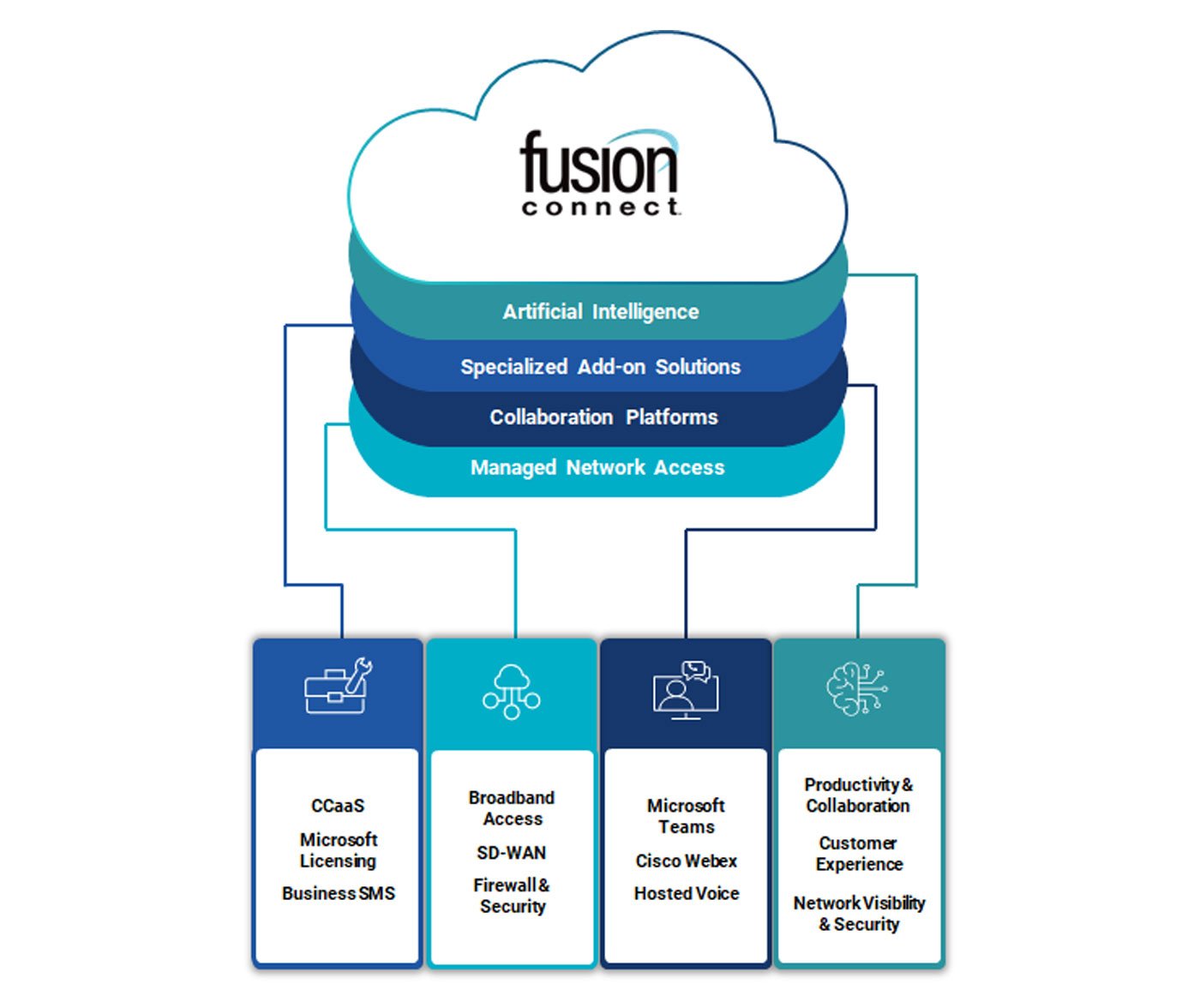
The reason full-stack conversations matter here is simple: collaboration quality is not just an app experience. It’s identity, device, and network working as one system.
That’s why the strongest security posture planning connects:
- Microsoft licensing/security capabilities (what you already own)
- Managed security posture planning (what you need to configure and sustain)
- Managed network/Wi-Fi (what keeps collaboration usable under real-world load)
Secure collaboration works best when it feels almost invisible—users don’t feel blocked, and IT doesn’t feel blind. If you want help connecting the dots between Microsoft licensing, identity/device controls, and the network foundation that makes collaboration usable, Fusion Connect can help you build a security posture that’s practical to run—across Teams, devices, and sites—without slowing your people down.